Free printable baseball scorecard PDF
Download a clean, blank two-page scorecard with separate away and home team sheets. It is ready for US Letter paper in landscape orientation, with no account, email, or payment required.
2 pages · US Letter landscape · Away and home team sheets
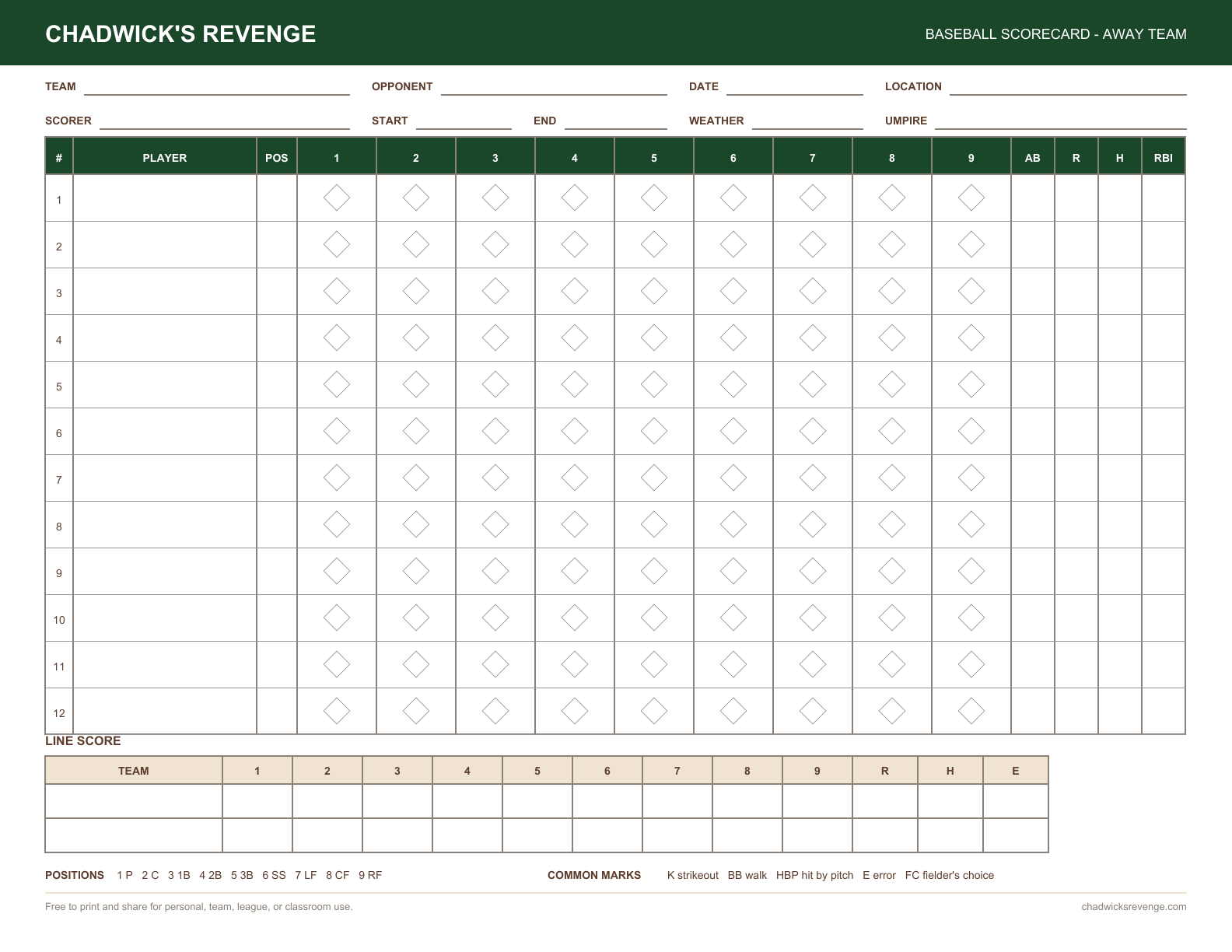
Everything needed on one printable scorecard
Printer-ready layout
Designed for standard US Letter paper in landscape orientation, with clear lines and comfortable writing space.
Traditional diamond cells
Record hits, outs, runner advancement, and runs with the classic scorecard notation baseball fans recognize.
Both teams included
The two-page PDF includes a labeled away sheet and home sheet, each with twelve lineup rows.
Nine innings and totals
Track all nine innings plus at-bats, runs, hits, RBIs, and the complete R-H-E line score.
Useful field details
Write in the date, location, scorer, weather, umpire, start time, and end time.
No form or paywall
Download immediately without entering an email address, creating an account, or paying a subscription.
How to print and use the blank scorecard
- Download the PDF using the button above.
- Print both pages on US Letter paper in landscape orientation at actual size.
- Add the lineups, then record each play using the diamond cells and common scorekeeping notation.
Want the scorecard filled in automatically? Open the online scorekeeper, score the game, then print or export the completed card. New to notation? Read our guide to keeping score in baseball.
Download your finished, scored card
The blank template is only the starting point. Score a game in the browser, then choose Download PDF from the toolbar or menu. Leave Scorecard selected for both filled team grids; optionally add Stats, Box Score, and Play Log. Select Download PDF to save the file directly, with no print dialog or upload.
You can export during the game or after the final out. The file includes the current game details and recorded plays. A later correction needs a new download. Save a game-file backup separately if you want to restore an editable game.
Printable scorecard questions
Can I download a blank baseball scorecard PDF?
Yes. Download the blank two-page PDF directly from this page. It includes separate away and home team scorecards and requires no account or email.
What paper size should I use?
The scorecard is designed for US Letter paper in landscape orientation. Print at actual size for the best writing space.
Can I print a completed digital scorecard instead?
Yes. Score the game in Chadwick's Revenge, then choose Print or Download PDF from the app menu to save the completed scorecard.
Is it free?
Yes. You may print and share the blank PDF for personal, team, league, or classroom use at no cost.
How many innings and lineup rows does it have?
Each sheet has nine inning columns and twelve lineup rows — enough for a standard nine-batter order plus substitutions, or a short continuous batting order.
Do I need to know scorekeeping notation to use it?
No, but the card is laid out for it. If the symbols are new to you, start with the guide to keeping score or the symbols reference — both are free and take a few minutes.
Which blank scorecard do you need?
All of these are free, print at home on US Letter, and require no email address.
| If you are scoring… | Use this | What is on it |
|---|---|---|
| A nine-inning baseball game | The baseball scorecard PDF | Two sheets (away and home), twelve lineup rows each, nine innings, totals and an R-H-E line score |
| A fastpitch or slowpitch softball game | The printable softball scorecard | The same layout with softball innings and room for a longer batting order |
| A Little League game with a continuous order | The Little League scorekeeper | Six-inning games, continuous batting orders and pitch-count limits handled for you |
| A game you would rather not hand-total | The online scorekeeper | Score on a phone or tablet, then print the finished card or export it as a PDF |
Filling in the diamond, in about ninety seconds
Each cell on the card is a small diamond — one plate appearance for one batter in one inning. The four corners are the four bases, starting at home in the lower middle and moving counter-clockwise, exactly as a runner does.
- Write the result in the middle.
Kfor a swinging strikeout, a backwardsKfor a called third strike,1BthroughHRfor hits,BBfor a walk. - Write outs with position numbers. Pitcher is 1, catcher 2, then around the infield 3–6 and the outfield 7–9. A ground out to short is
6-3; a fly out to center isF8; the classic double play is6-4-3. - Trace the runner. Draw along the diamond edge for each base reached, and note why — a stolen base is
SB, a wild pitchWP, a sacrifice flySF. - Fill the diamond in when the run scores, and mark the RBI count beside it. That shaded diamond is what makes a run findable at a glance three innings later.
A full walkthrough with worked examples is in the guide to keeping score in baseball, and every mark is listed in the scorecard symbols reference.
Print your scorecard before the first pitch
Download both team sheets now, or open the online scorekeeper to create a completed digital scorecard as the game unfolds.